
Enable Discussion Tab In Lessons
The Enable Discussion Tab in Lessons setting adds a Discussion tab to the sidebar of course content pages and removes the Comments link from the main content area. This feature has the added benefit of enabling broad compatibility with many comment plugins across WordPress to enhance the social learning experience of your students.
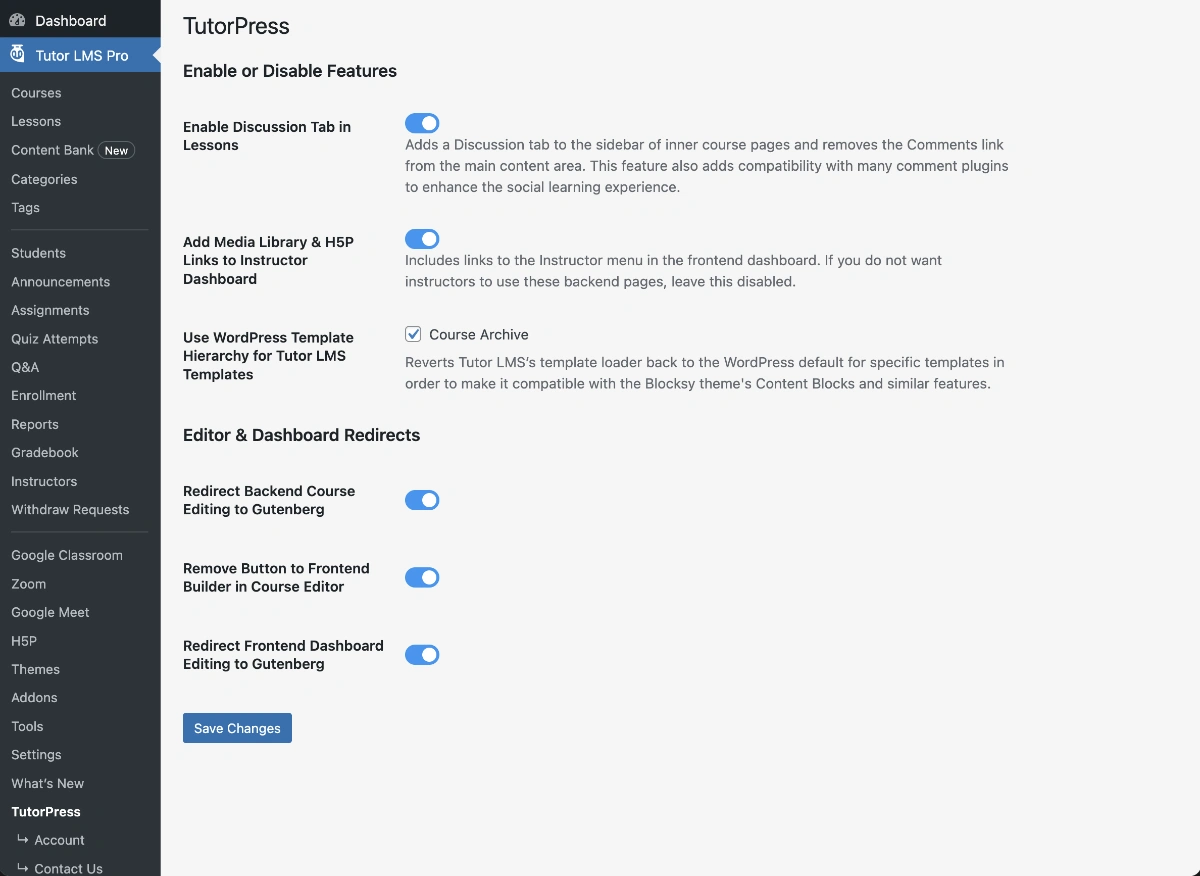
When Enabled:
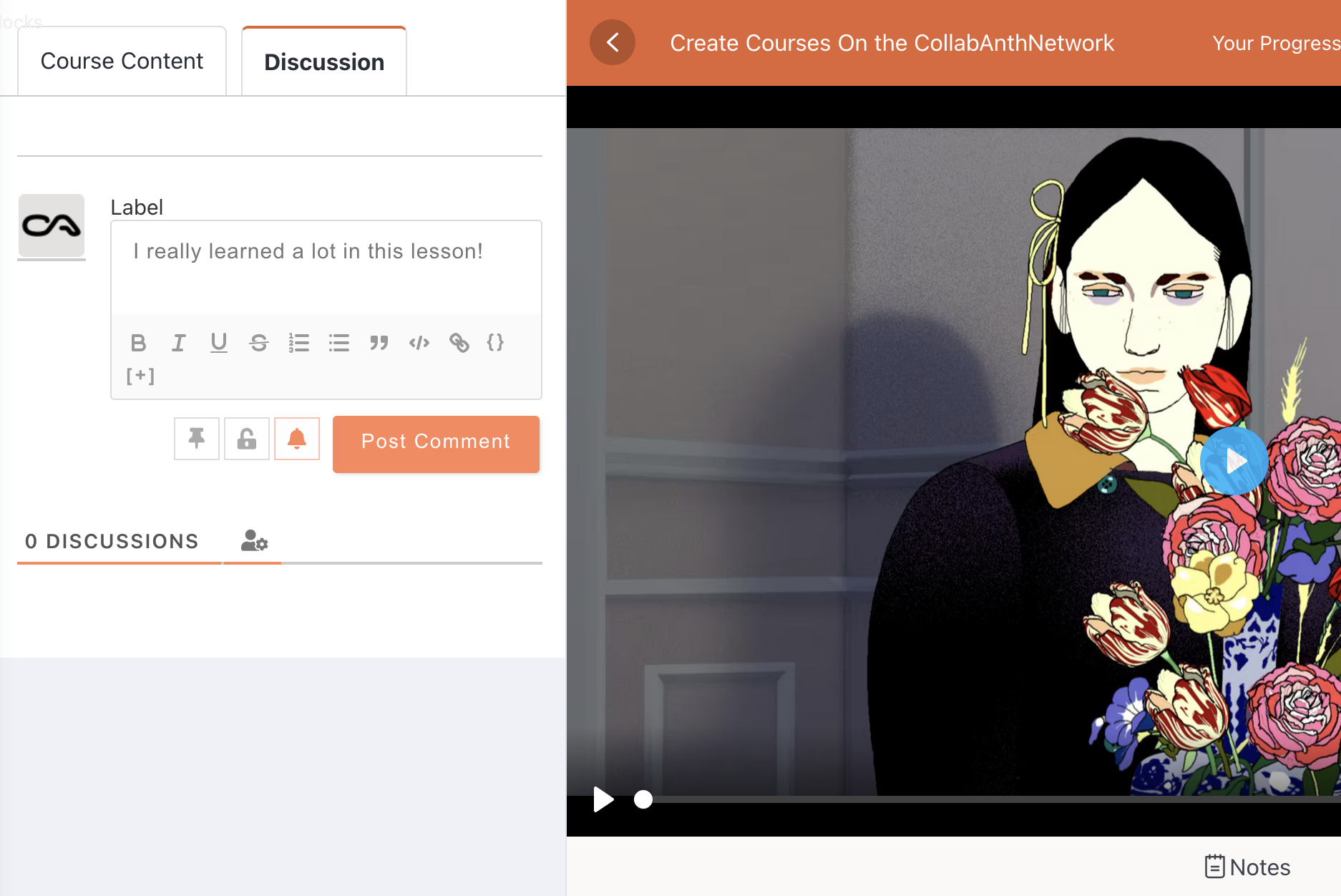
- Creates a tabbed interface in the lesson sidebar with two tabs: “Course Content” and “Discussion”
- The “Course Content” tab displays the standard Tutor LMS curriculum navigation
- The “Discussion” tab displays the WordPress native comment system using `comments_template()`
- Removes Tutor LMS’s default display of WordPress comments in the main content area of the lessons (their custom comment templates do not support third-party comment plugins).
Comment Plugin Compatibility:
This feature is designed to work seamlessly with popular WordPress comment plugins including:
- wpDiscuz
- Disqus
- Jetpack Comments
- And other plugins that use WordPress’s standard `comments_template()` function
Last updated February 3, 2026
1