
Lesson Settings Overview
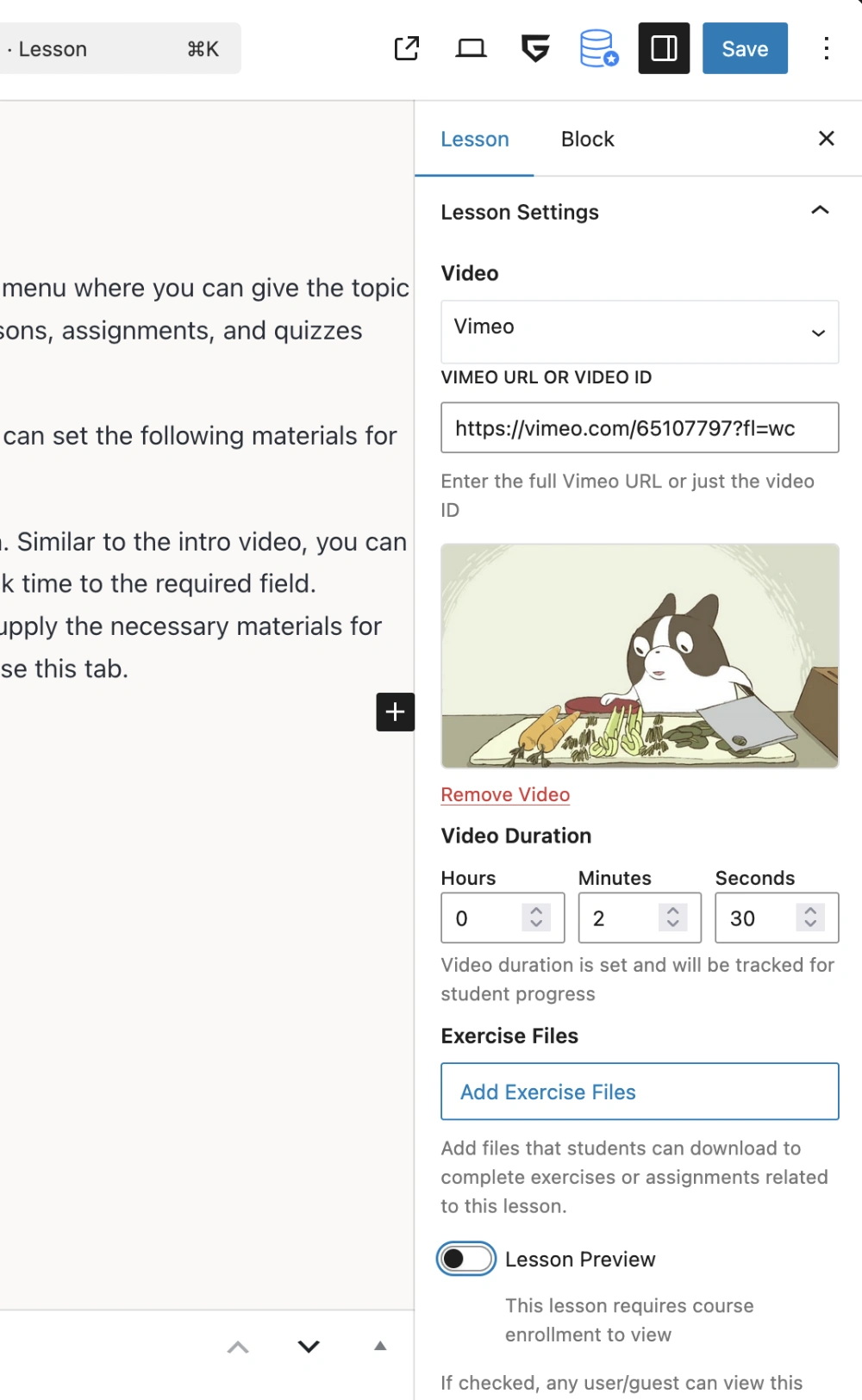
This section will provide a quick overview of the lesson settings with a screenshot of the new Gutenberg interface. As an addon of Tutor LMS, we recommend reading their documentation on lessons and all other settings. Any settings that diverge from Tutor LMS will be expanded upon, but otherwise this documentation will link to Tutor LMS’s own.
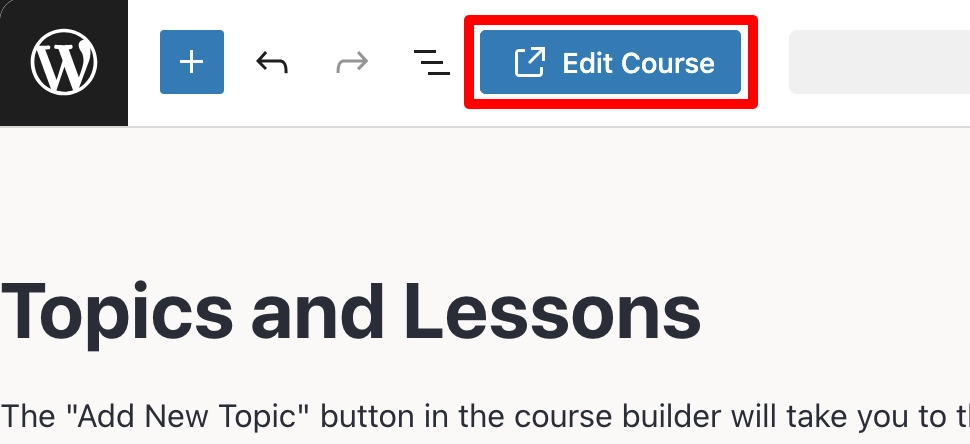
The key difference when creating courses in Gutenberg is when you create a new lesson or assignment you are redirected to the Gutenberg editor of the newly created lesson or assignment. The “Course Curriculum” metabox is also displayed in lessons and assignments, and you can easily navigate back to the parent course by clicking the “Edit Course” button in the top toolbar of Gutenberg.
Video Settings
Like Tutor LMS, TutorPress supports direct video uploads, as well as YouTube, Vimeo, and general external video URLs. In addition, TutorPress supports shortcodes and iframe code snippets. For more information visit Tutor LMS’s documentation on lesson videos.
Indigetal WebCraft is working on a Bunny Stream integration plugin that will include TutorPress-related features for site owners to take even more control of how videos are uploaded in courses and lessons.
Exercise Files
The Exercise Files setting is an upload button to add files that students can download to complete exercises or assignments related to the lesson. For more information, visit Tutor LMS’s documentation on exercise files in lessons.
Lesson Preview Toggle
The Lesson Preview Toggle setting is displayed when the Course Preview addon is enabled. When the Lesson Preview Toggle is enabled, the specific lesson is publicly viewable by any site visitor without enrolling in the course. For more information, visit Tutor LMS’s documentation on lesson previews.
Content Drip
The Content Drip setting is displayed when the Content Drip addon is enabled. The settings that are available are based on the Content Drip settings configured in the parent course of the lesson. For more information, visit Tutor LMS’s documentation on the content drip settings in lessons.
Last updated February 4, 2026