
Course Curriculum metabox
The Course Curriculum is the central hub for creating and organizing course content in both Gutenberg and the frontend course builder. In Gutenberg, it appears as a metabox below the editor canvas when editing courses, lessons, and assignments. The key difference of Gutenberg is when you create a new lesson or assignment you are redirected to the Gutenberg editor of the newly created lesson or assignment. Quizzes, Interactive Quizzes, Google Meet, and Zoom content still open up in a modal window just as in Tutor LMS’s frontend course builder.
For more information visit Tutor LMS’s documentation on:
- Course Curriculum Overview
- Adding a new topic
- Reordering topics
- Quiz Builder
- Interactive Quizzes/H5P
- Google Meet integration
- Zoom integration
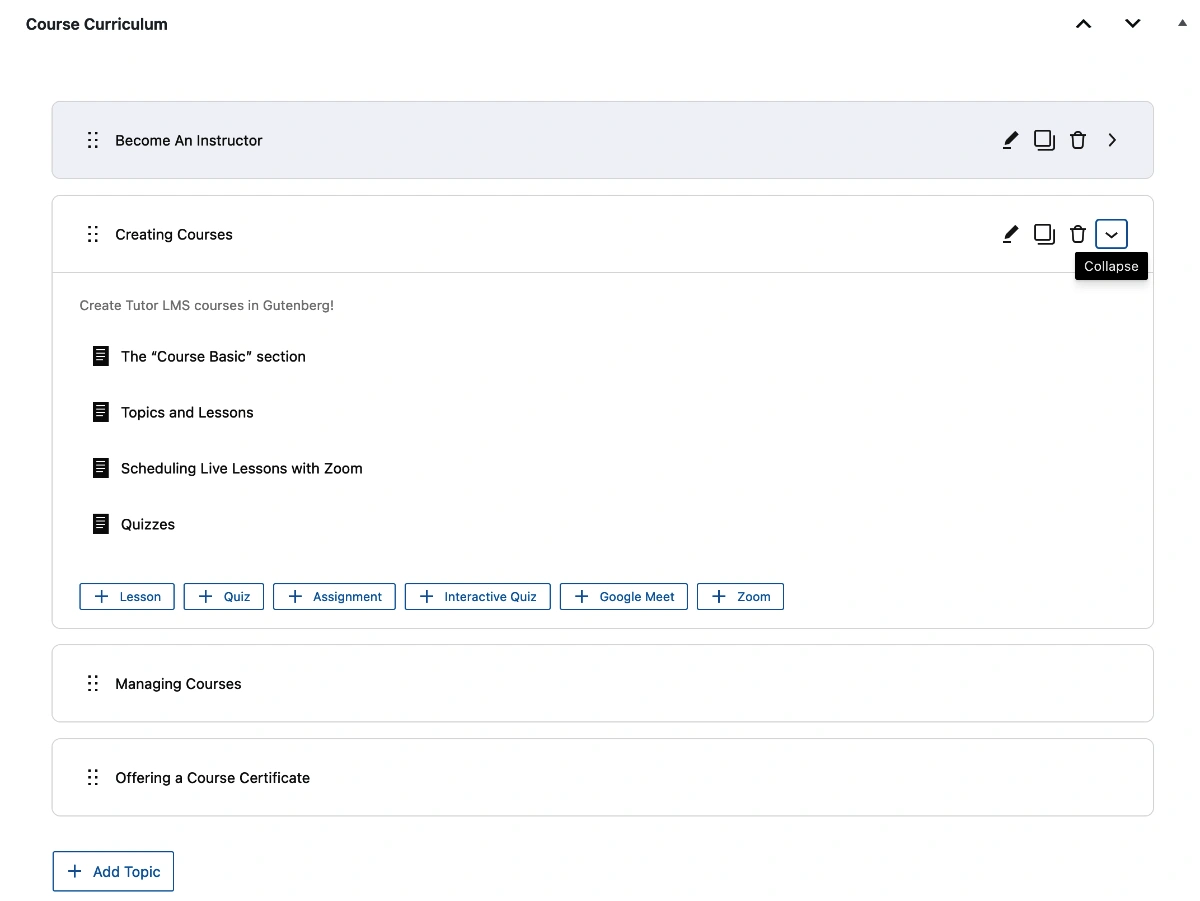
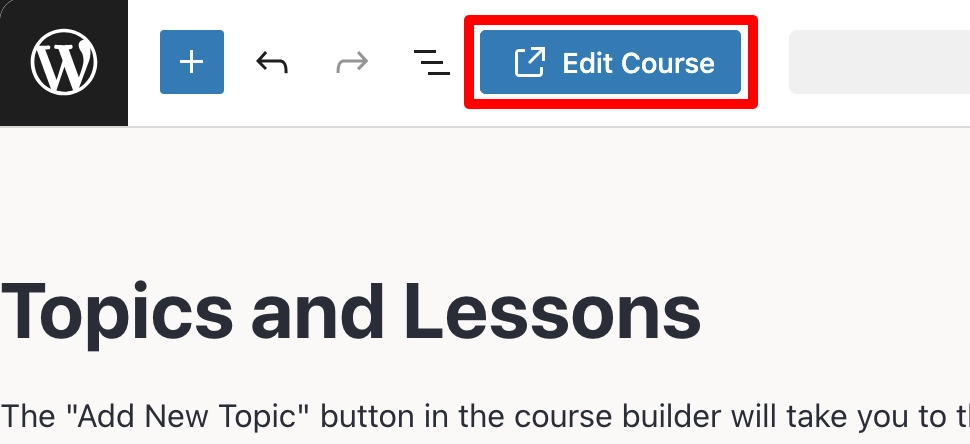
The “Course Curriculum” metabox is also displayed in lessons and assignments, and you can easily navigate back to the parent course by clicking the “Edit Course” button in the top toolbar of Gutenberg.
We have found that if you leave Tutor LMS’s frontend course builder opened for a period of time in the browser, the Course Curriculum can fail to load in the frontend builder’s Curriculum tab. This is not an issue with the bidirectional sync between TutorPress and Tutor LMS, this is an issue with the frontend builder’s loading mechanism. If this happens, just close the frontend builder and open it back up again – or just use TutorPress!
Last updated February 4, 2026