
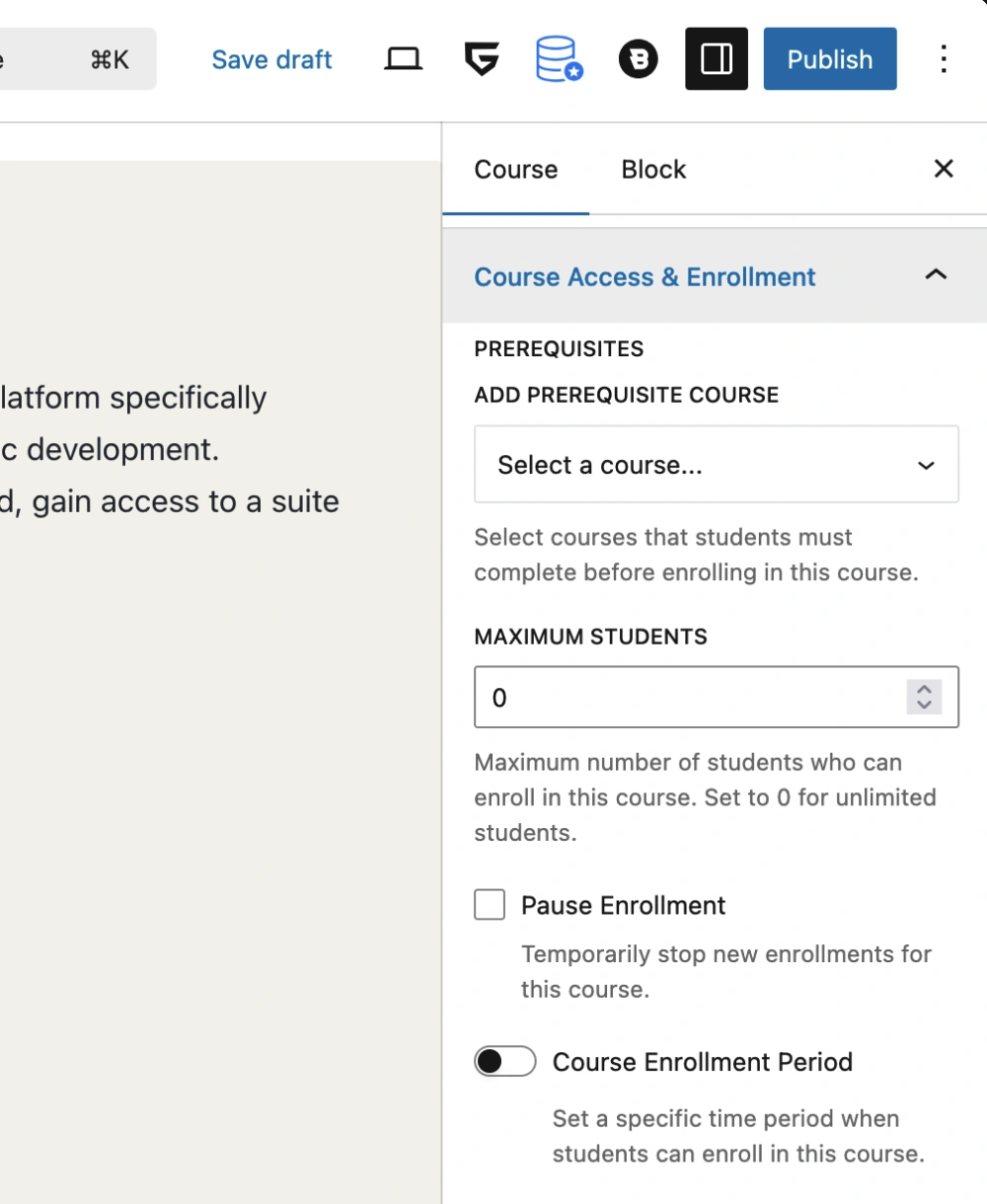
Course Access & Enrollment panel
The “Course Access & Enrollment” panel includes settings that are gathered from the frontend course builder’s “Basics” tab → “Options” section → “Enrollment” tab, as well as the “Course Prerequisites” setting in the sidebar of the “Additional” tab. These settings represent standard Course Access & Enrollment data and include course prerequisites, maximum students, and settings to pause enrollment and set an enrollment period for the course.
The course prerequisites setting is only available when the Prerequisites addon of Tutor LMS is enabled.
For more information visit Tutor LMS’s documentation on:
- Enrollment tab
- Course Prerequisites setting in the “Additional” tab
Last updated February 4, 2026
0