Seamless Offloading to Bunny.net

Indigetal Media Offload connects the WordPress Media Library with Bunny.net Storage and Stream services for a set-it-and-forget-it workflow. The free plugin is a complete offloading solution on its own, while Pro is for serious production sites and offers the new Bunny Stream video player as a configurable Gutenberg block, TUS-based resumable uploads for larger videos, privacy-aware delivery for access-controlled media, and a suite of other tools for better offload management.

01

Easy Setup

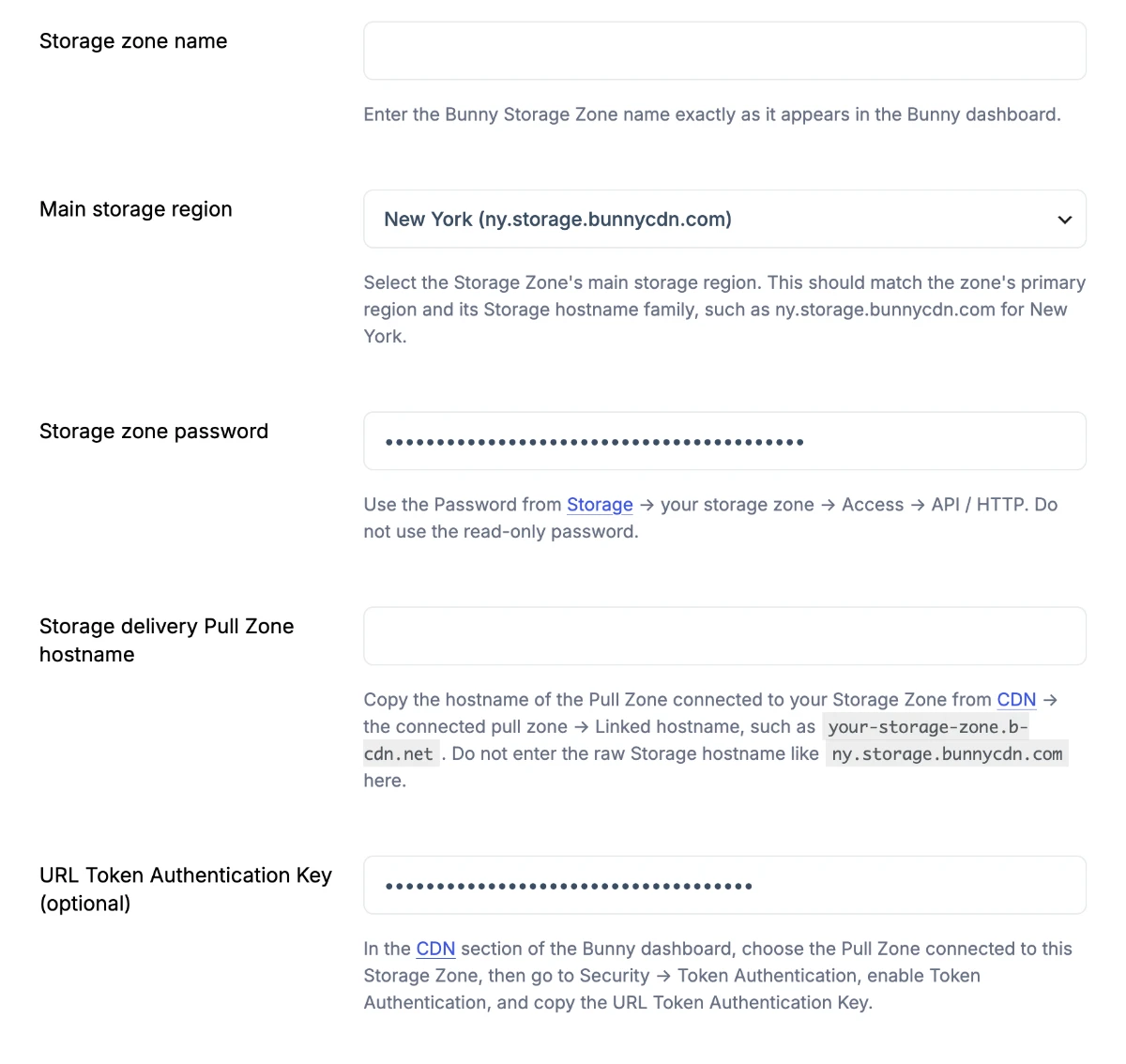
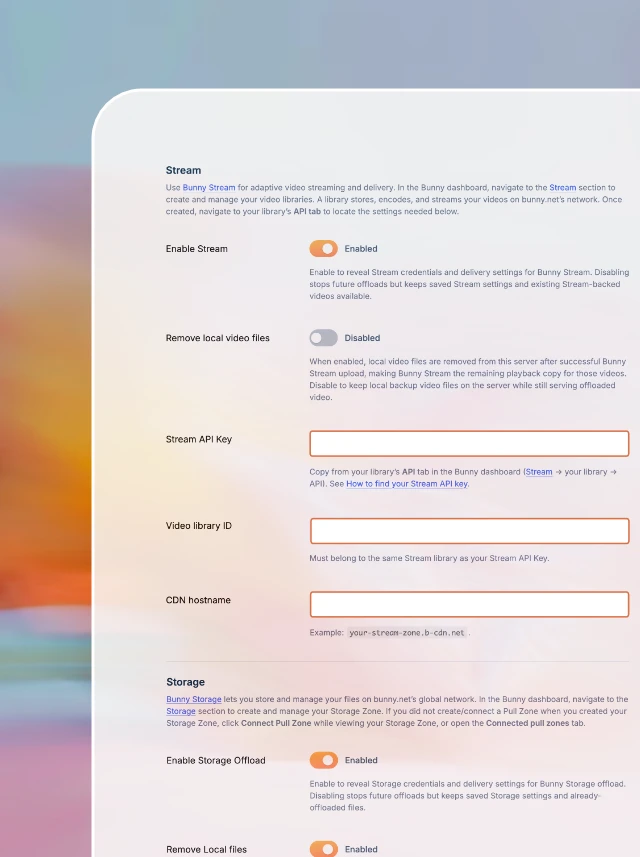
Connect Bunny Storage and Stream under Media → Indigetal Media Offload, with separate pull zones for video playback and file delivery. Toggle automatic offload, local file cleanup, and Stream upload behavior—then let new uploads run on their own.

02

Seamless Workflow

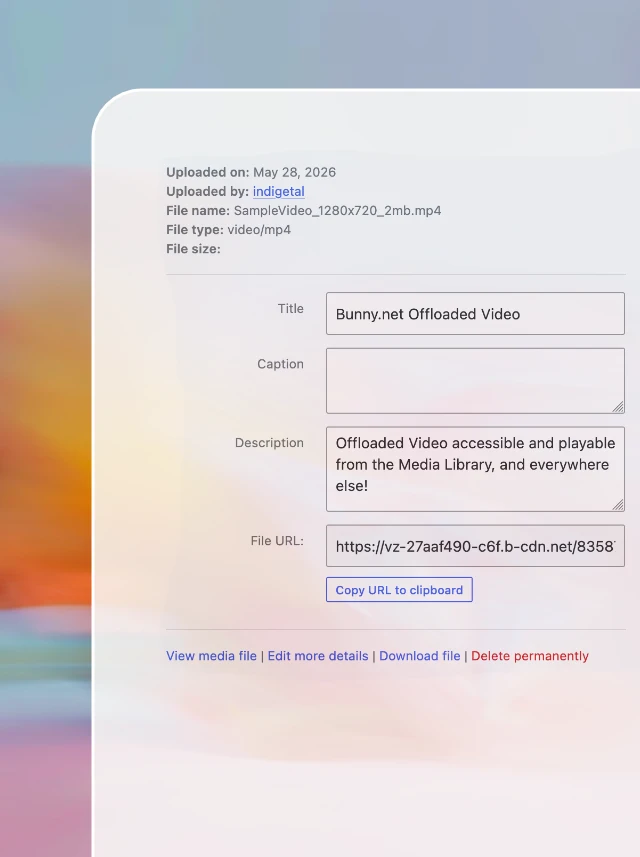
Upload images, documents, and videos through the Media Library like always. Each item stays a normal attachment while the plugin offloads to Bunny, rewrites CDN URLs, and surfaces Stream thumbnails when videos are playable.

03

Manage your offloads with Pro Tools

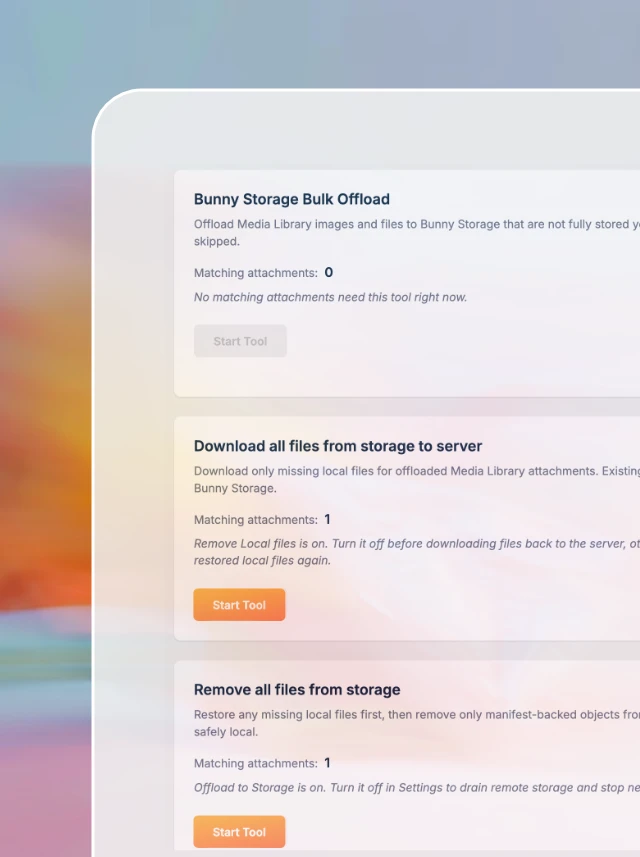
Bulk-offload or download existing media to Storage, upload local videos to Stream, recover failed TUS placeholders, and refresh Stream metadata (Pro).

Built for the Media Library

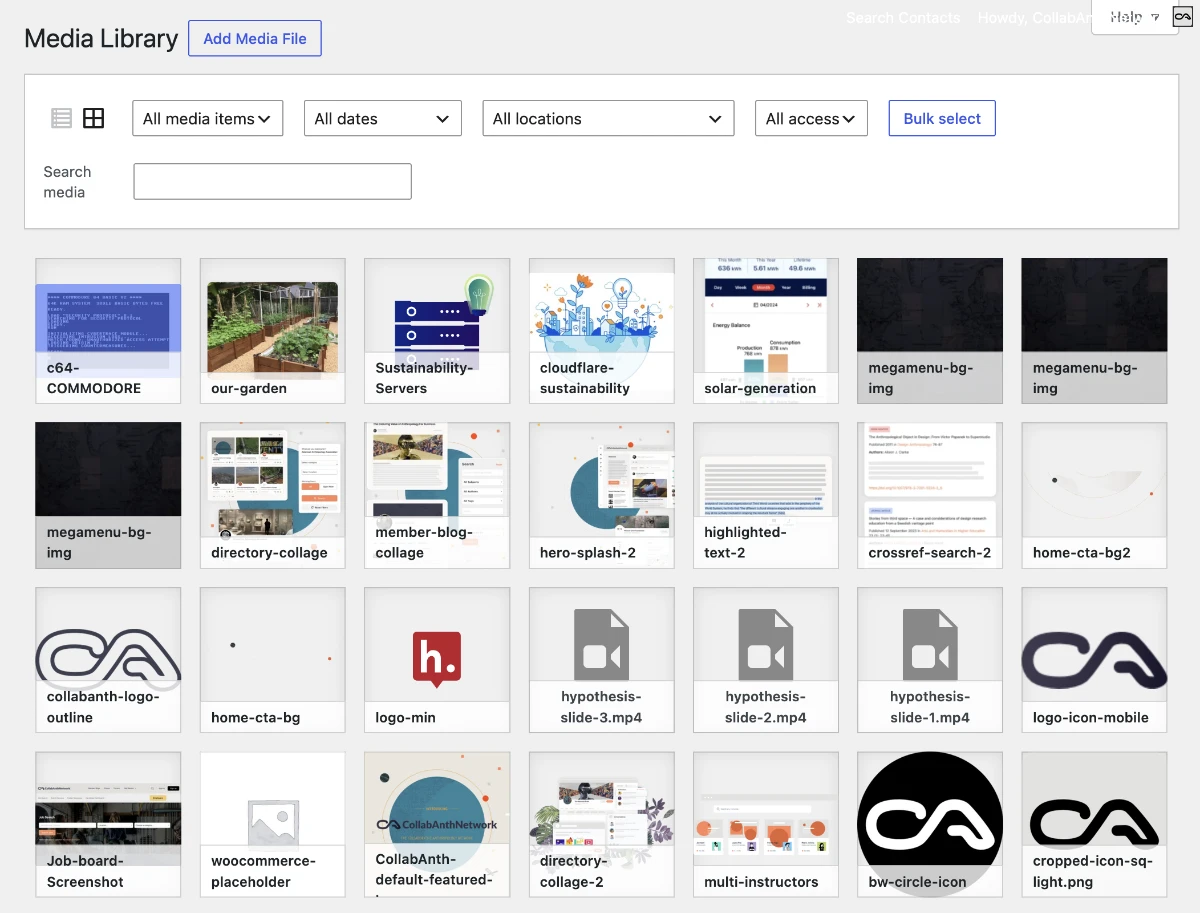
Media stays in the Media Library as real attachments while Storage and Stream handle delivery and manifests track state.

Pro

Access-controlled media at the CDN edge

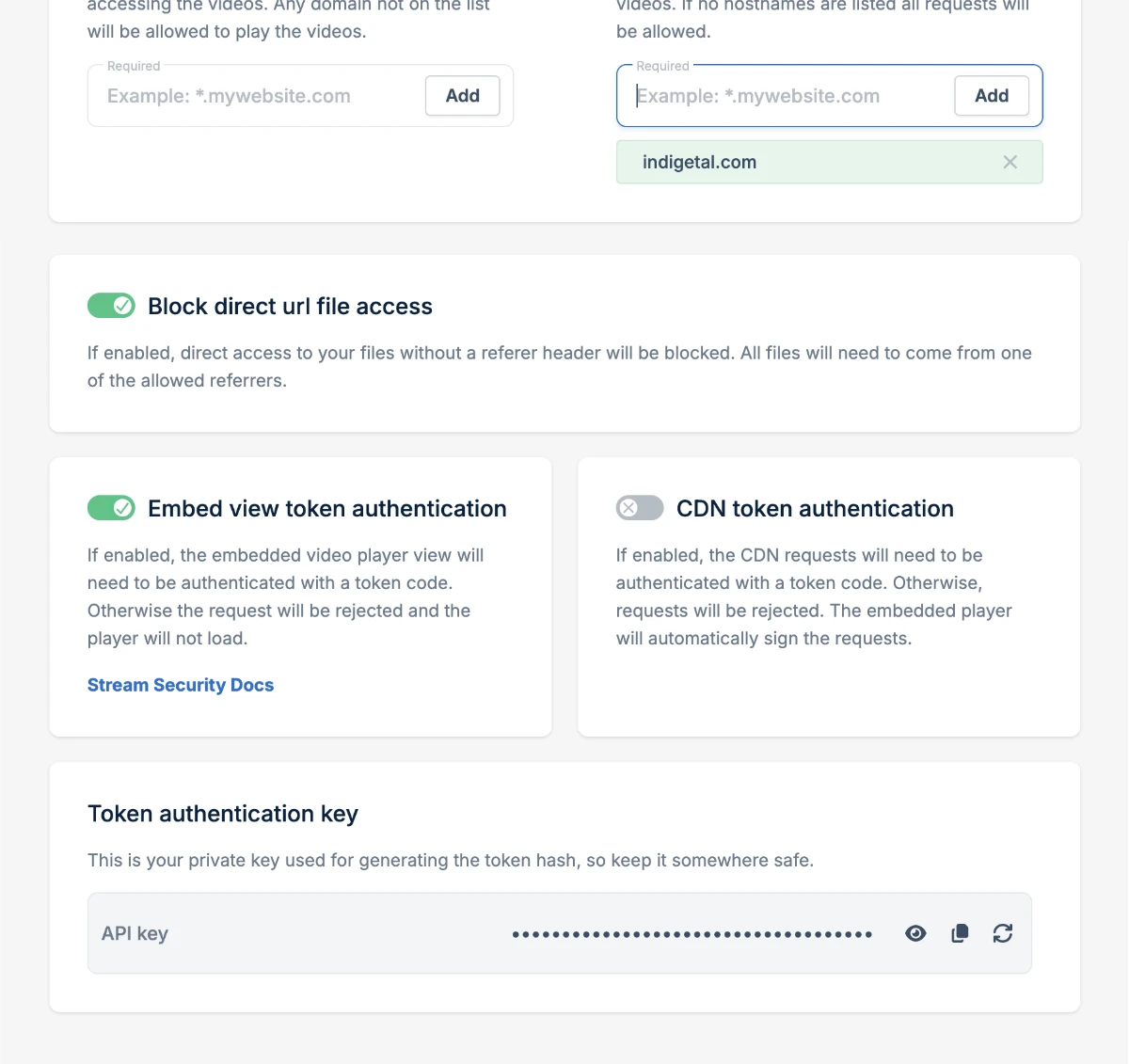
When your pull zones use token authentication, Pro signs Storage CDN URLs and Stream embeds at request time—with privacy filter hooks so other plugins can decide what needs protection. Access decisions happen when URLs are generated, not in a separate media silo.

Works across your WordPress stack

Themes, blocks, and plugins that rely on the Media Library keep working as WordPress intended. Files deliver globally through Bunny.net while uploads, metadata, and manifests stay in WordPress. 

  1. Works with your theme (block or classic)
  2. Compatible with any media block in Gutenberg. Pro adds a configurable video block that uses the new Bunny Stream video player.
  3. When Bunny token authentication is enabled, the Pro addon signs Storage and Stream URLs automatically so only valid, time-limited links are accepted at Bunny’s edge.
Blocksy Theme
Kadence Theme and Block Library
Stackable Block Library
uiXpress WP Backend Customizer
H5P Interactive Content
GreenShift Theme and Block Library
Paid Memberships Pro
wpDiscuz Comments Plugin

Ready for lightning fast delivery?

$119.99

/ year

  • 1 year of updates + support
  • Gutenberg block using the new Bunny Stream player
  • Signed Storage and Stream URLs that match Bunny token authentication for CDN security
  • Tools tab with bulk workflows, retries, and Stream maintenance

Your Questions, Answered

Quick answers to the most commonly asked questions about Indigetal Media Offload for Bunny.net

Contact Us

The free plugin is a complete offload solution on its own. It connects Bunny Storage and Stream to the Media Library, handles uploads, URL rewriting, Stream thumbnails, and remote delete where implemented. Pro adds the Bunny Stream block with TUS resumable uploads, signed URLs when Bunny token authentication is enabled, and the Tools (Pro) tab for bulk offload, retries, downloads, and Stream maintenance. Install Free from WordPress.org first, then add Pro when you need those extra features.

No. Bunny Stream playback and Bunny Storage delivery are separate. Configure your Stream pull zone (and library) for video. You configure a separate Storage pull zone hostname for images, documents, and other files. Reusing the Stream hostname for Storage delivery is a common misconfiguration. The plugin expects both to be set correctly under Media > Indigetal Media Offload.

That depends on your settings. You can keep local copies on the server or enable local file removal after a successful offload. When removal is on, the plugin deletes local files only after Bunny confirms the upload and the current metadata pass no longer needs them. Important: once an image’s local originals are removed, WordPress Edit Image and local regenerate-thumbnails workflows are not supported for that attachment. Bunny does not currently offer an API endpoint for downloading offloaded video. If local video files are removed, they can only be downloaded directly from the bunny.net dashboard.

Yes, with Pro. You can start a 7-day free trial of the Pro addon and in the Tools tab bulk-offload existing Media Library items to Bunny Storage, and local videos to Stream. New uploads through the Media Library offload automatically once Free is configured. Pro tools are for libraries that already have local media waiting to move.