

Add Media Library & H5P Links
The “Add Media Library & H5P Links to Instructor Dashboard” includes links to the Media Library and H5P editor in the Instructor menu on the frontend dashboard. If you do not want instructors to use these backend pages, leave this disabled.
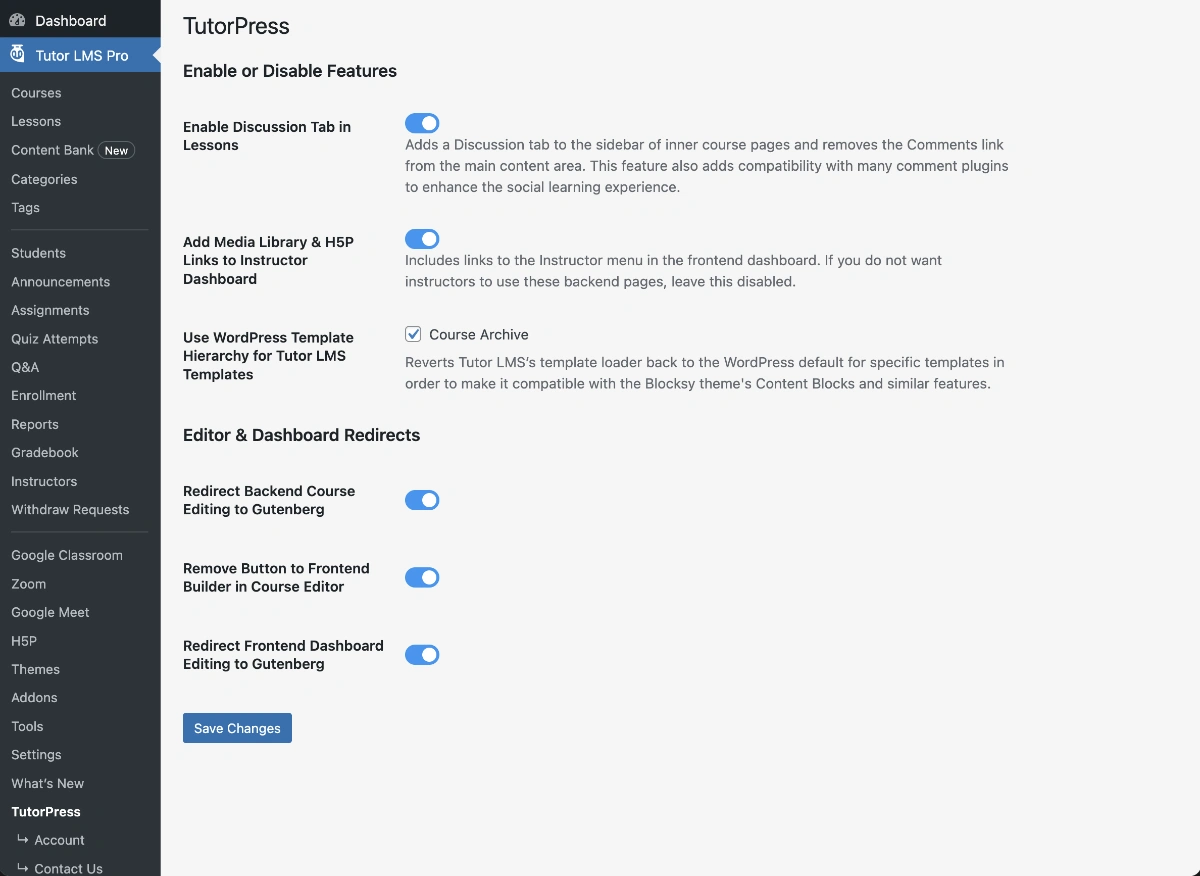
When Enabled:
- Adds “Media Library” link to the frontend instructor dashboard navigation
- Adds “H5P Content” link when the H5P plugin is active
- Provides quick access to backend pages straight from the frontend dashboard
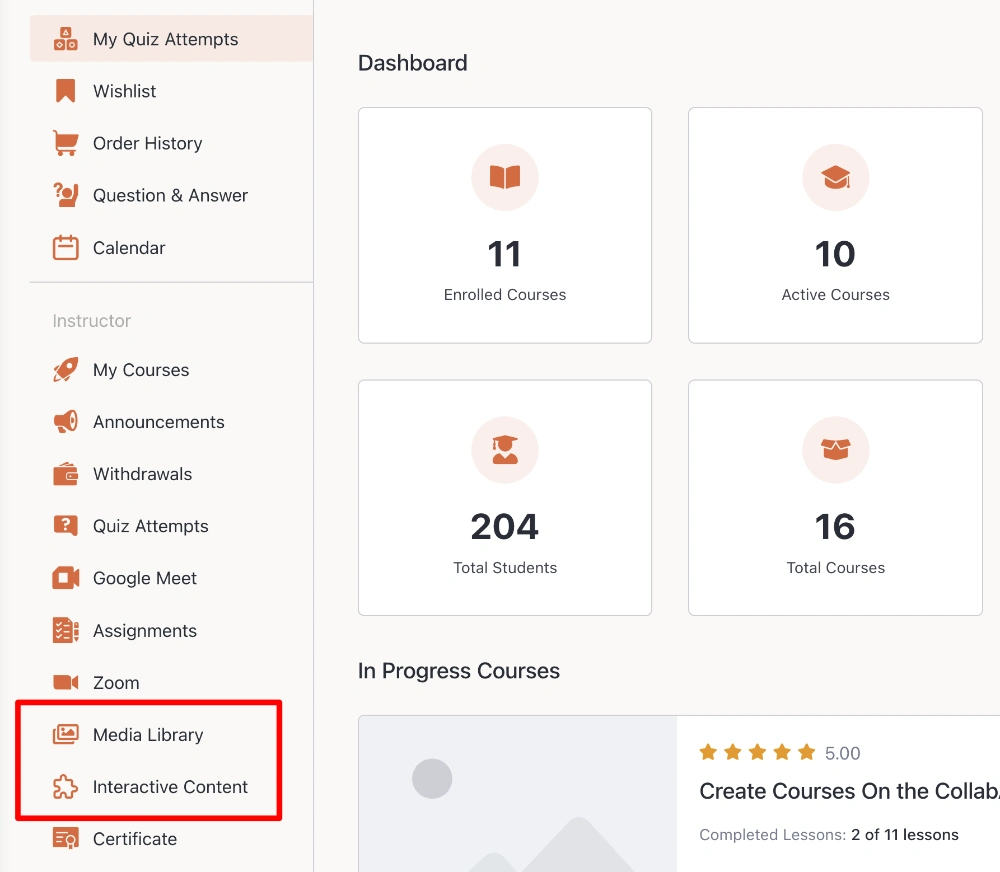
This setting is helpful when instructors need to upload and manage course images, videos, and other media files across courses, and create interactive H5P content for lessons and quizzes.
Only enable this setting if you want instructors to have access to these backend pages.
Last updated February 3, 2026
0