
01
Easy Setup
Granular settings put you back in control of when and where to use Gutenberg versus Tutor LMS’s frontend course builder.
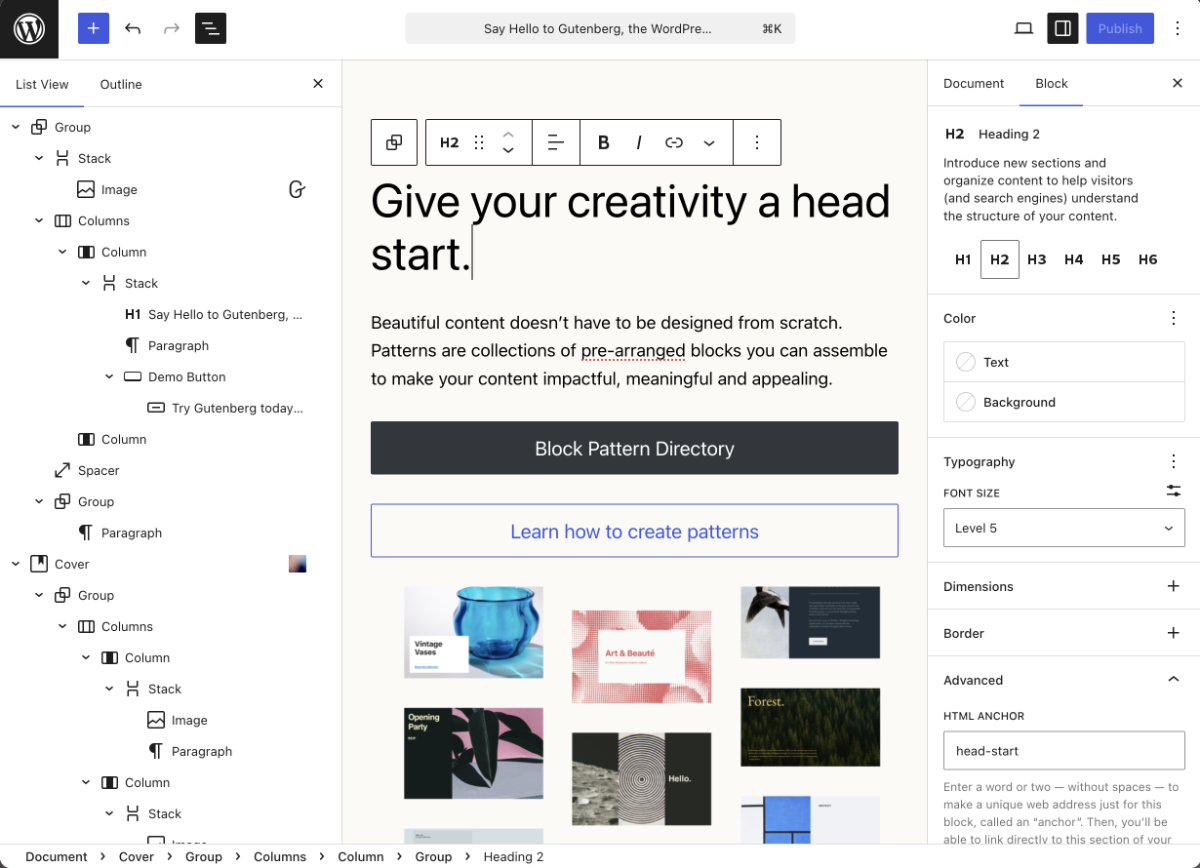
TutorPress streamlines course management with a native Gutenberg course builder, and unseals compatibility with thousands of WordPress plugins. It’s not even a competition, and now it doesn’t have to be. TutorPress is the unlock key that brings the full power of WordPress to Tutor LMS.
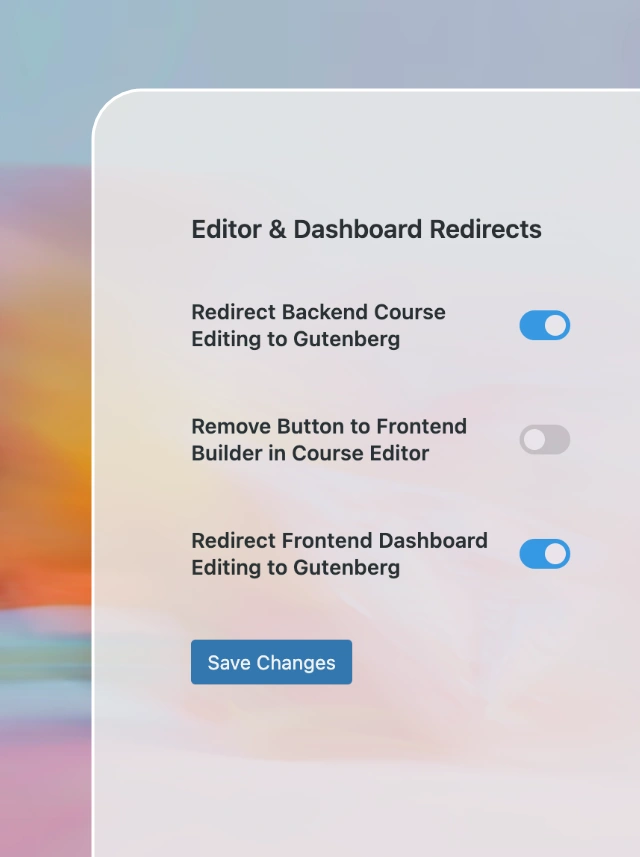
Granular settings put you back in control of when and where to use Gutenberg versus Tutor LMS’s frontend course builder.
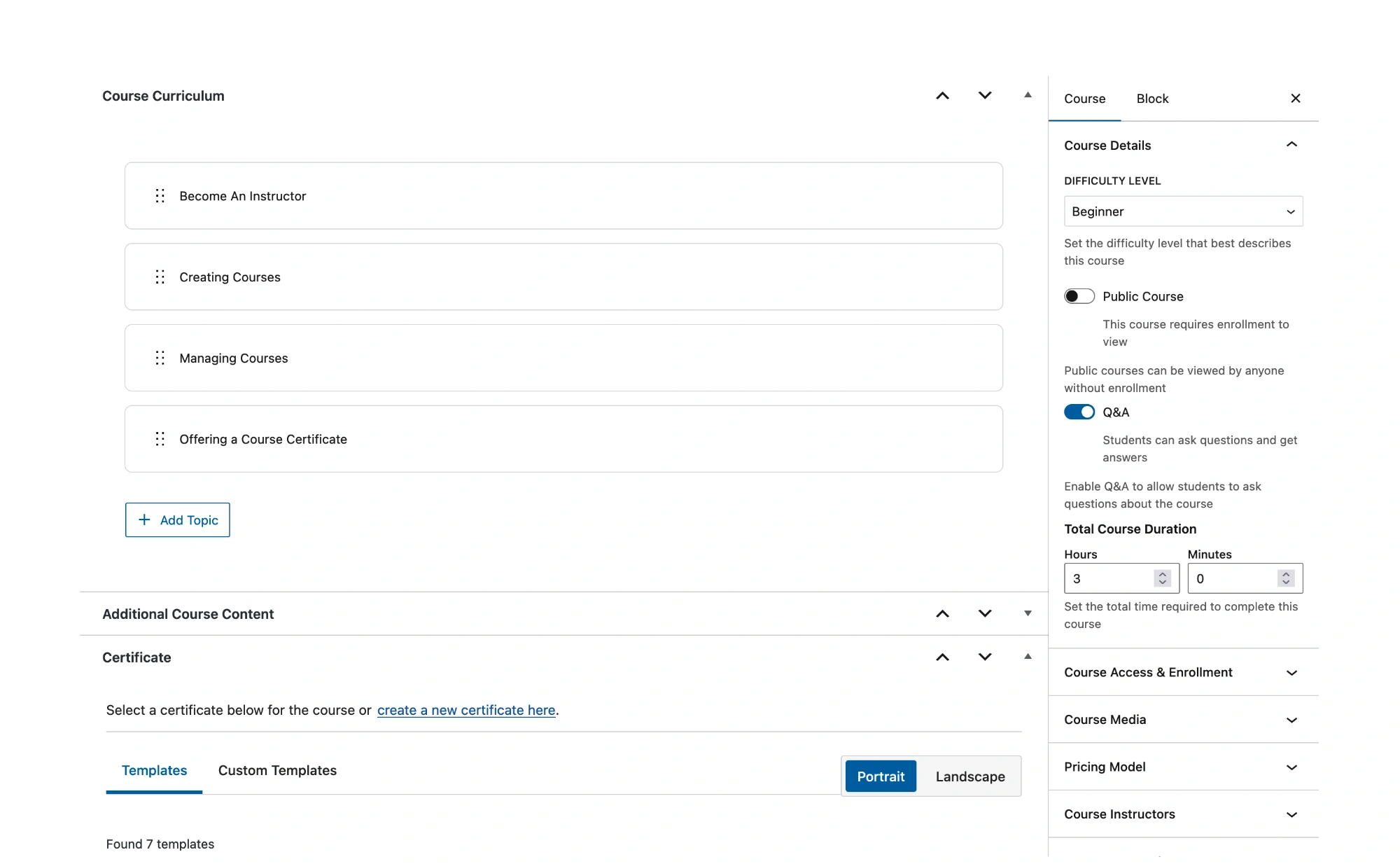
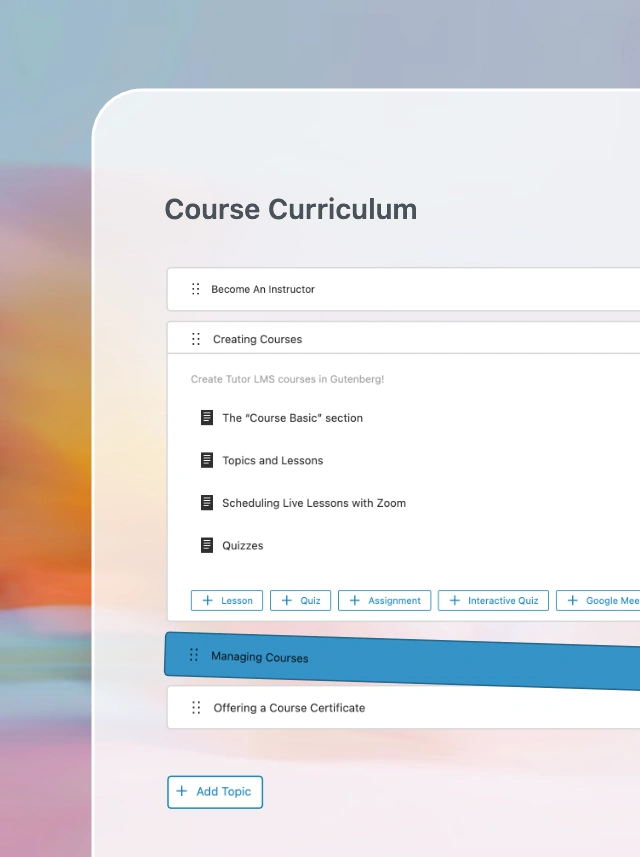
Manage your Course Curriculum in Gutenberg across Courses, Lessons, and Assignments – with quick access back to the parent course.
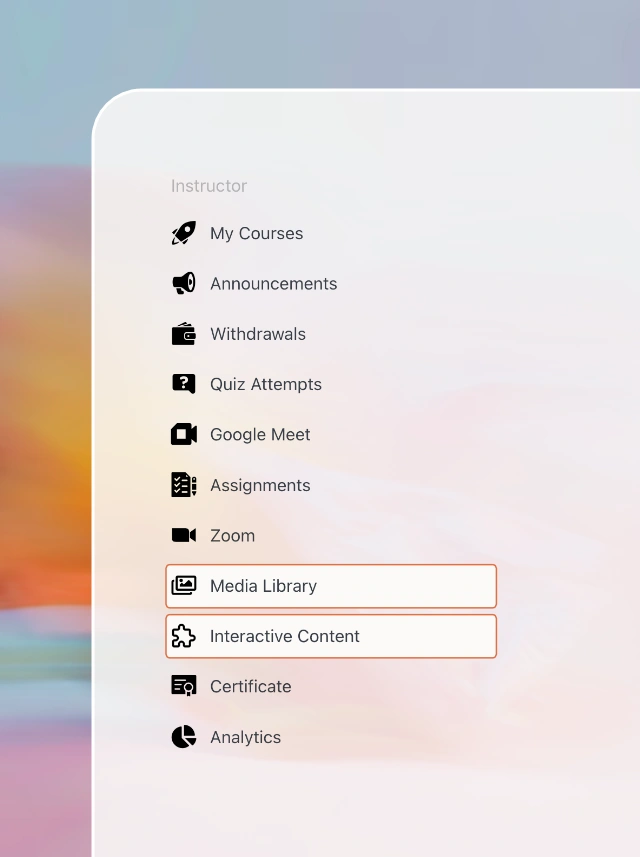
Add optional instructor dashboard shortcuts to the Media Library and the H5P interactive content editor.
TutorPress is a modern, WordPress-native course builder for Tutor LMS that fully-leverages modern WordPress best practices.
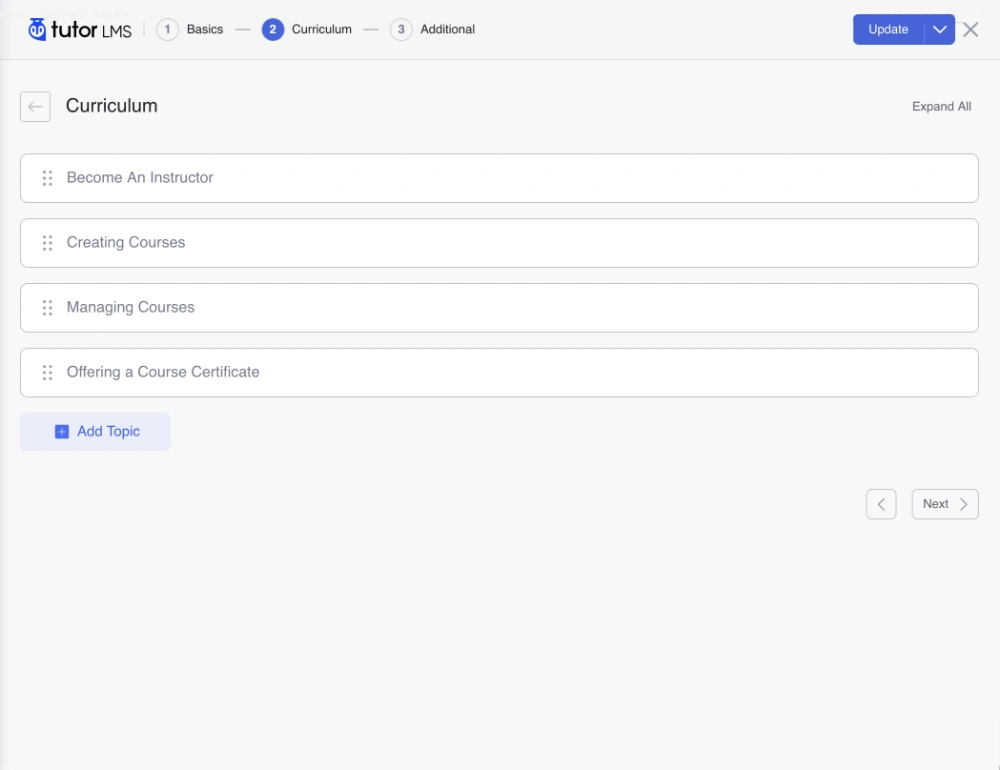
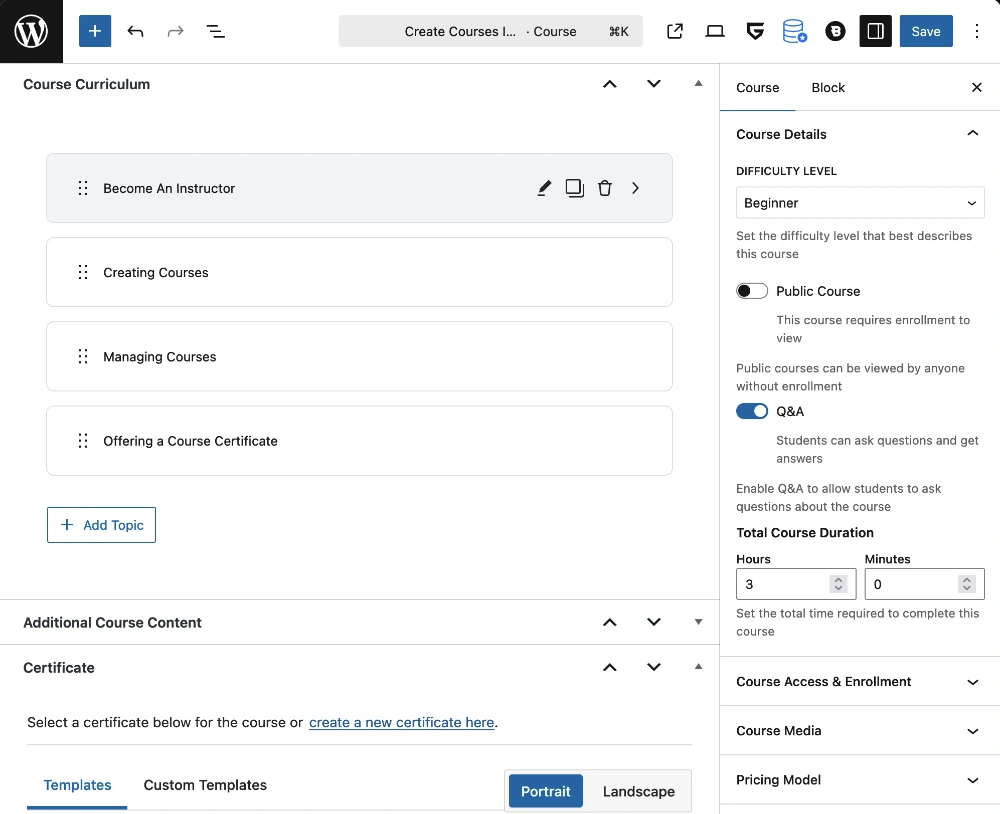
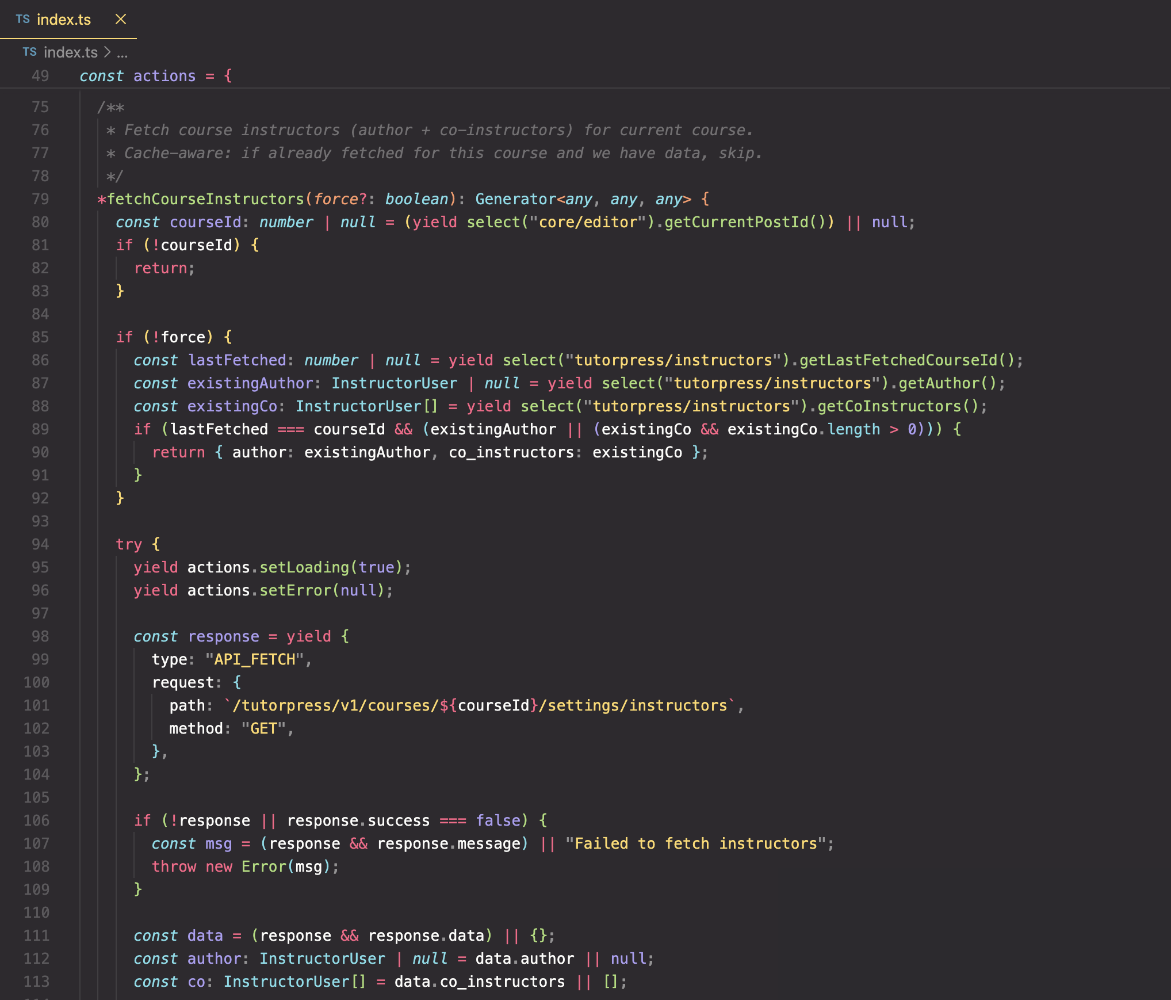
TutorPress keeps Gutenberg and Tutor LMS in sync through minimal, critical integration points. This reduces reliance on legacy code and helps minimize compatibility risks for peace of mind.
There’s no replacing Gutenberg and the WordPress ecosystem with a single custom builder. TutorPress unlocks the full benefits of WordPress inside Tutor LMS for you and your instructors. Build richer courses with Gutenberg blocks and integrations. No more lock in. No more forced redirects.
Get Started with TutorPress today!







Quick answers to the most commonly asked questions about TutorPress.
Contact UsFrontend builders can be beneficial for course marketplaces where instructors lack backend access, but for administrators, agencies, and content teams who already work in the WordPress backend daily, the workflow in Tutor LMS creates unnecessary friction. Granting limited backend access to instructors is also a viable option, and there are good reasons to do so.
Tutor LMS’s course builder relies on a basic version of TinyMCE, which is an open source rich-text editor with known conflicts in WordPress. Gutenberg is a feature-rich, drag-and-drop block editor built into WordPress, designed for modern layouts, reusable components, and a much richer content-building experience.
TutorPress is built on WordPress standards, and works seamlessly with the wider WordPress ecosystem, including thousands of other Gutenberg-based plugins. By contrast, Tutor LMS’s course builder is a custom built container that isolates it from its WordPress-based environment. It’s not even a competition, and now it doesn’t have to be.
There’s always some risk in an open-source ecosystem like WordPress, but TutorPress is designed to minimize compatibility issues by staying mostly independent of Tutor LMS internals and relying only on critical, minimal integration points.
Tutor LMS’s frontend course builder also remains available as an optional fallback editor when using Gutenberg via TutorPress as your primary course builder. If a Tutor LMS update ever affects TutorPress, you can use Tutor LMS’s frontend course builder temporarily to access all of your courses while we ship an update.
Quick tip! You can optionally leave the “Remove Button to Frontend Builder in Course Editor” setting disabled so you and your instructors always have access to Tutor LMS’s builder.
Yes. TutorPress provides granular settings so you can choose when and where to use Gutenberg versus Tutor LMS’s frontend course builder. TutorPress gives back user control so your workflow fits your team, your instructors, and your course format.
Not always. As an add-on, TutorPress may trail new Tutor LMS frontend builder features. We do strive to stay aligned with Tutor LMS, but our approach is to bring features to Gutenberg when they’ve matured. You can create a feature request or contact us if there is something that you would like to see.
TutorPress integrates through a WordPress-native REST API under the `/tutorpress/v1/*` namespace, with most data integration flowing through Tutor LMS meta fields. This reduces reliance on legacy code by replacing outdated AJAX patterns with a modern WordPress REST API.